Thursday, July 31

Tips for Organizing Video Files

People using the Student Multimedia Design Center will soon be starting new video projects and many will shoot enough video that specific clips become hard to manage. Get Organized: How to Manage Video Files (PC Magazine) offers good file naming advice for keeping clips in chronological order with names that also help one locate content.  It's worth reading before starting new projects.

The article also addresses digitization of older video and storage options.  Videographers should read the article to ensure that they're covered on these three points:


  • centralizing video files (that is, getting them off one's smartphone and video camera),
  • naming files intelligently and tagging them so one knows what they contain, and
  • backing up and archiving final edited files.


Thursday, July 3

New 3D Printing Shop in Newark

If you are interested in 3D prototyping/design but don't have the $1000+ dollars to spend on various models of 3D printers, there is now an alternative in Newark! A workshop/retail store has opened that offers 3D printing on MakerBot and Lulzbot printers.

The store, Sovereign Air LLC, is located on Main St. behind Bike Line and next to the Ski Bum. Check out the Newark Post article HERE.


Saturday, May 31

ID


Hi all,

I have a few things today! First off, I had a great first semester at the Student Multi Media Design Center.  I learned so much about the equipment and software at the center.  I also enjoyed working with everyone and look forward to next semester and hopefully semesters after that! 

Also the other week I had a male student present me a females ID while attempting to loan out equipment.  I immediately turned to a supervisor and presented them with the ID. I often don’t even think to check the student ID and make sure that the person looks like their identification photo.  However, now, after this scenario I always check! So, just some friendly advice to watch out for identity thieves.

Lastly, last week we had a student come in and try to hook up their personal iPad to the mac desktops in order to download material to iMovie.  However, the computer was not recognizing the connection.  And after quite a deal of hassle we realized we just needed to open iTunes…. may seem quite obvious, but took us awhile to figure out.

Until next semester!

Naomi 

Thursday, May 29

Computer Restart Hot-Keys


Hello everyone-
For my last blog post, I wanted to talk about a time-saver that had come up today during the morning computer restarts: hotkeys for restarting the computer. These are a combination of buttons that will attempt to restart the computer, and will help you save steps when restarting a large amount of computers.
I was aware of the hotkeys for the PCs, but had not known there was a Mac equivalent until this morning.
Mac- Pressing Command+Control+Eject will make the Mac attempt to close out all programs and try to restart.
PC- Pressing ALT+F4 will close out any open windows and eventually open up a restart prompt.

These keys can help cut the time down significantly. Anyways, Happy Graduation to the Seniors!
Sam

Wednesday, May 28

Canon T2i and Macs

So you've taken photos on the Canon T2i and want to upload them onto a Mac computer. You plug the camera in and ... the camera does not appear on the desktop. What to do? Go to iPhoto, which will recognize the camera. According to Mike G. some other cameras do not appear on Mac desktops either so it's good to let people know to use iPhoto if the camera does not appear on the desktop.

Tuesday, May 27

Camera Archives

School year wrap up time, which means it's also time for an under the wire blog post.  Prepare to get learned something awful (and then promptly forget everything until student reorientation at the beginning of next year).  Also, we're mostly dealing with the memory based intermediate and advanced cameras for this one.  HFS20s and such.
Learning.


After the recording of any video and before the beginning of any post production manipulation, a camera archive must be made.  It's a simple step, but like all simple steps, it's ridiculously easy to overlook.  I've had more than a few incidents with camera archives and the lack thereof.

The lack of your project's potential for future changes if you forget to make a camera archive.  Yeah, it's a stretch, but the Google Image results for "the lack thereof" aren't exactly bountiful.  I gotta work with what I've got.

It's helpful to think of a camera archive in analog terms.  The files are digital, but a camera archive kind of functions like a stack of tapes.  So keep a camera archive for the same reason people hoard VHS's.

Misplace nostalgia.

 If you have all that footage saved, you can access it later.  It also helps because the cameras save MTS video files in a really weird and esoteric way.  You can play them if you double click them, but you can't just pull them out of the STREAM folder.  That's when something breaks.

Metaphor.

I don't know what that something is.  I encountered the problem once, long ago, and I never wanted to do it again.

Camera archives do pose one other problem when it comes to memory space.  I used to think thumb drives were acceptable methods of backing up videos and projects.  No, wrong.  Bad Dillon.
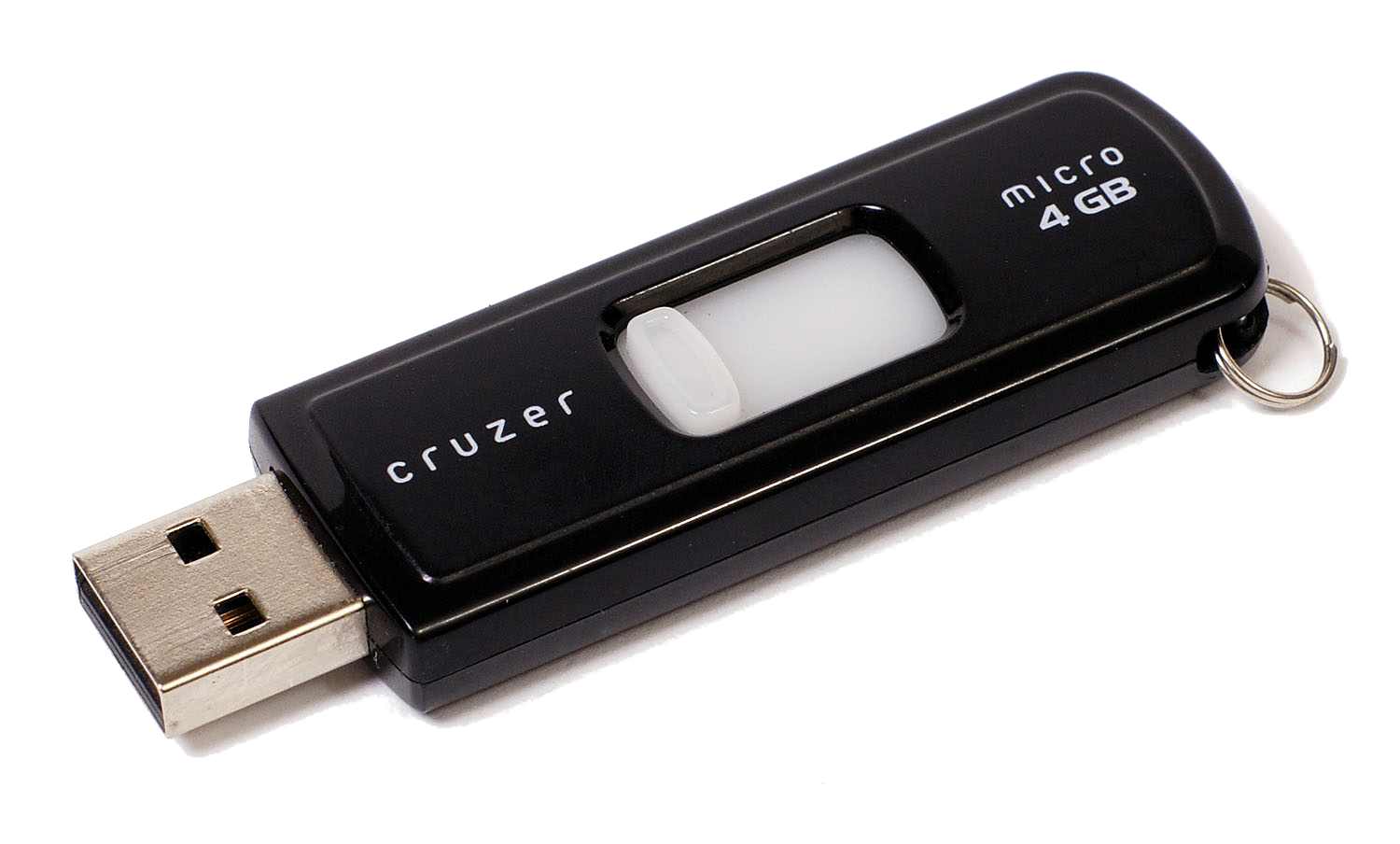
Word documents and pictures.  Promise me that's all you'll use these for.  Maybe some music.  But just a little.

The problem gets down into the formatting, but the basic gist of it is that thumb drives can't handle the data transfer sizes that video projects require.  Sure, you could reformat them, but it's safer to use an external drive.  That way you're not skirting the edges of memory sizes. 
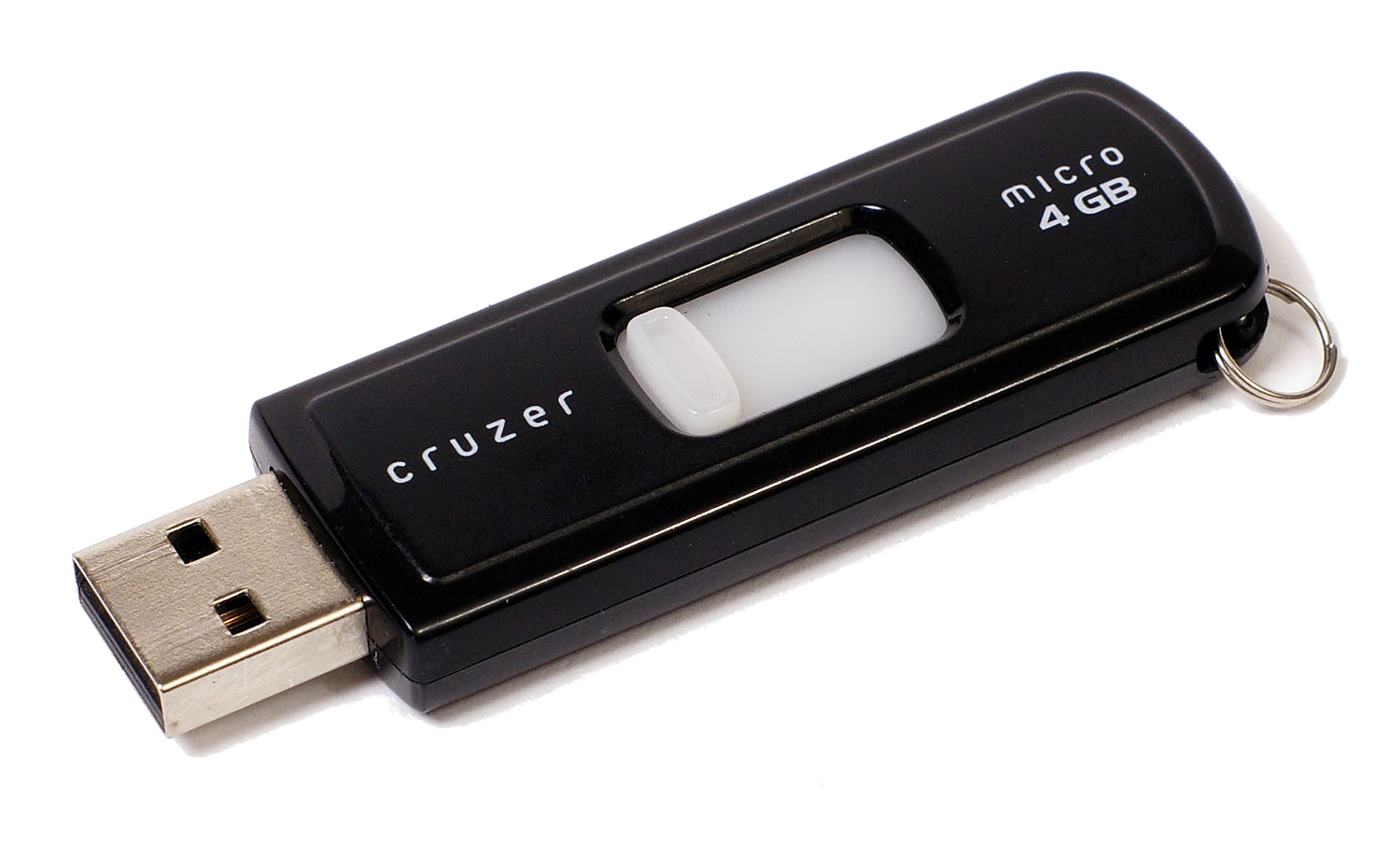

Just look at that 4 GB.  It's trying so hard to be a big boy drive, but the best it'll ever get is "Most Improved"


Anyone who comes up to the desk with a video camera in hand and questions about editing should get a recommendation for an external hard drive.  It'll make the whole project easier in the long run.