Last winter session I took an Interactive Multimedia Design course here at school with a focus on website designing. We learned to write code for our own websites from scratch, but the main thing we worked on and were graded on was typography. Typography always seemed to me like one of those fancy words that people use without really knowing what it means. However, I quickly learned how important things like readability and legibility actually are in the design of a website. We don't always think about aspects like letter spacing and contrast, but we notice, whether we realize it or not. There's a reason why companies are willing to pay good money for a website designer who knows what they're doing.
More on what exactly typography is...
Some examples of exceptional typography in website design:
http://www.awwwards.com/websites/typography/
http://ilovetypography.com/
Friday, October 31


Thursday, October 30
The Way Video Editing Programs Read Files
Downstairs here at the SMDC, there's been a recent influx of editors let loose on the suite of video editing programs we have. Not all of them have experience with the programs and we've been having a few incidents. I'll cover a big one, and potentially the most damaging.
Importing a video from a camera doesn't automatically make a copies of the source video on a more permanent space. Which is the second use for camera archives are important, the first I've covered before. If the users themselves don't make the copy, the software, regardless of what kind, Premiere (my favorite), Final Cut 7, iMovie (either version), will keep looking at the camera for the video. There are rumors that Final Cut X makes copies of the video on different discs, but those are unconfirmed. Mostly by me, because I don't feel like Googling it.
Having the software look directly at the camera is all well and good, provided it's a project where you won't ever need to access the footage again and won't be working on it after this one time you edited. But that's not usually the case, and even if it were, we still recommend a hard drive and an archive. One shot video projects are extremely rare. Like unicorns or blue Skittles.
All this means that when the user takes the project file with them back to whatever place they take it to, dorm, apartment, hovel, what have you, they might only be taking the project files. Taking only project file is like inviting your friends out to the bar, but only bringing the clothes they would have worn. All the dressings are there, but the content's nowhere to be found.
We'll look to one of my famous hypotheticals, except that this one isn't a hypothetical because it's what really happened. A patron was trying to put the finishing touches on her project. She and her group had done almost the right thing, which was to do the project on a portable hard drive. I say almost the right thing, because they hadn't consolidated any of the actual clips on the hard drive. All the previews in iMovie were still referencing different locations on her group mates assorted computers.
Her project ended up corrupted from all the switching and the bad preview file references. I'll sum it all up with an analog. Someone's trying to draw your attention to a fine mahogany cabinet. They've even been kind enough to put a label on where the cabinet should be. But they left the cabinet at home.
You'd have no idea what they were talking about. You could try and guess, but you'll probably strain yourself and end up seeing color bars.
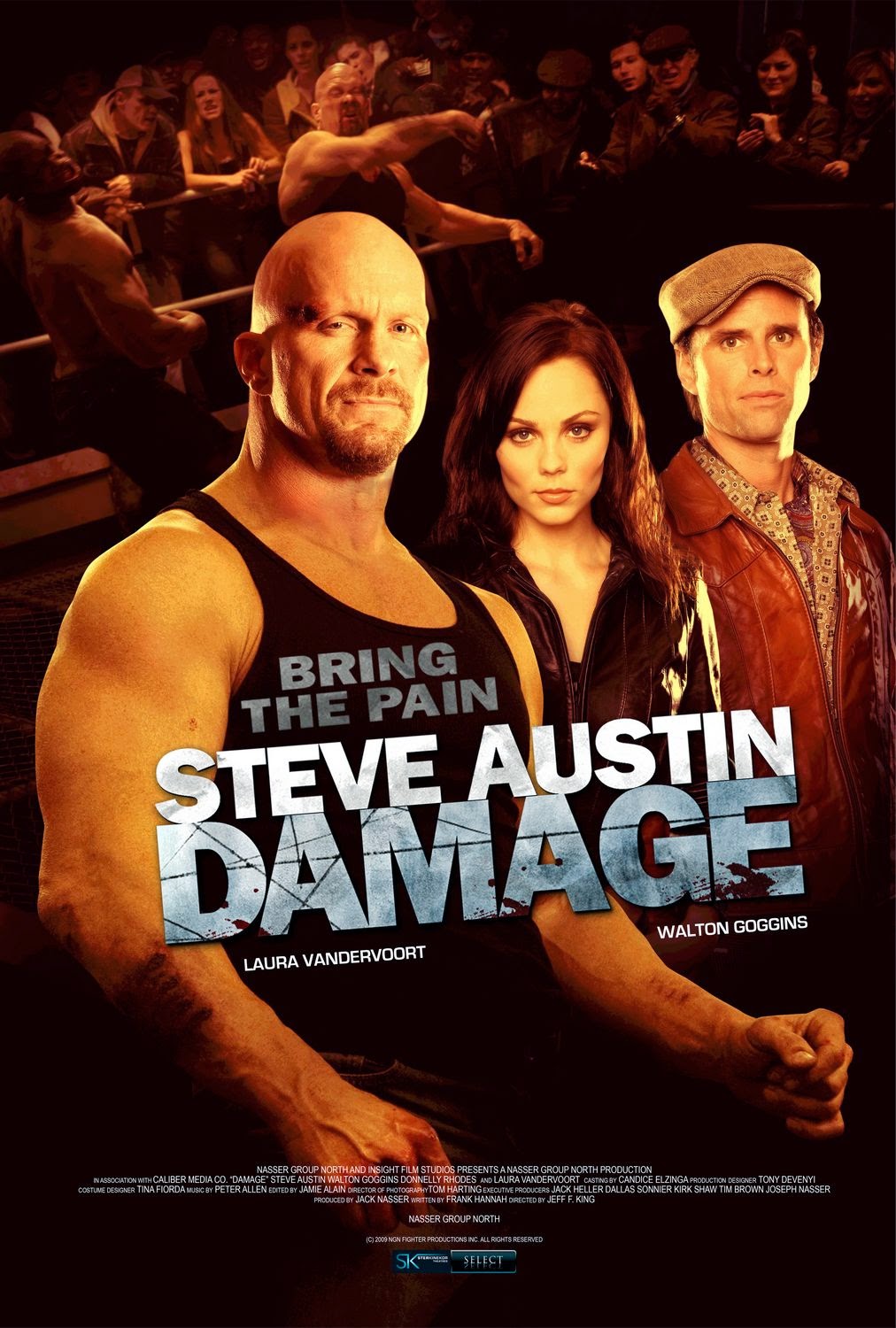 |
| Yes, exactly like this. |
 |
| Yeah, I know it wouldn't take that long to Google. Just stop looking at me like that. |
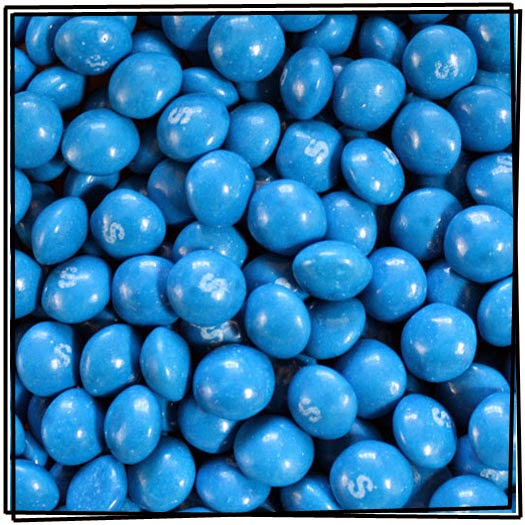 |
| The rarest sight in the known universe. |
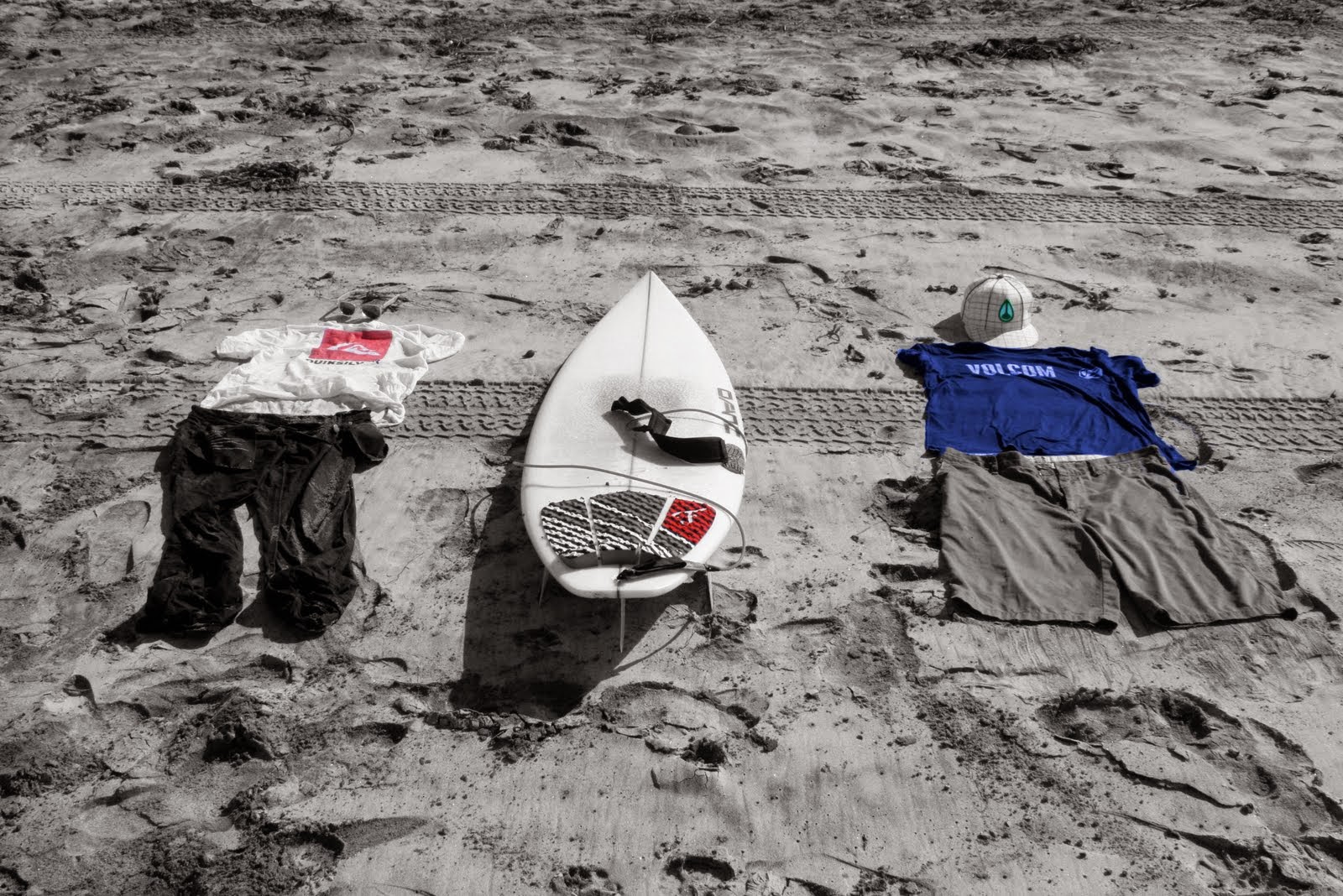 |
| The time that all my project files tried to learn to surf. |
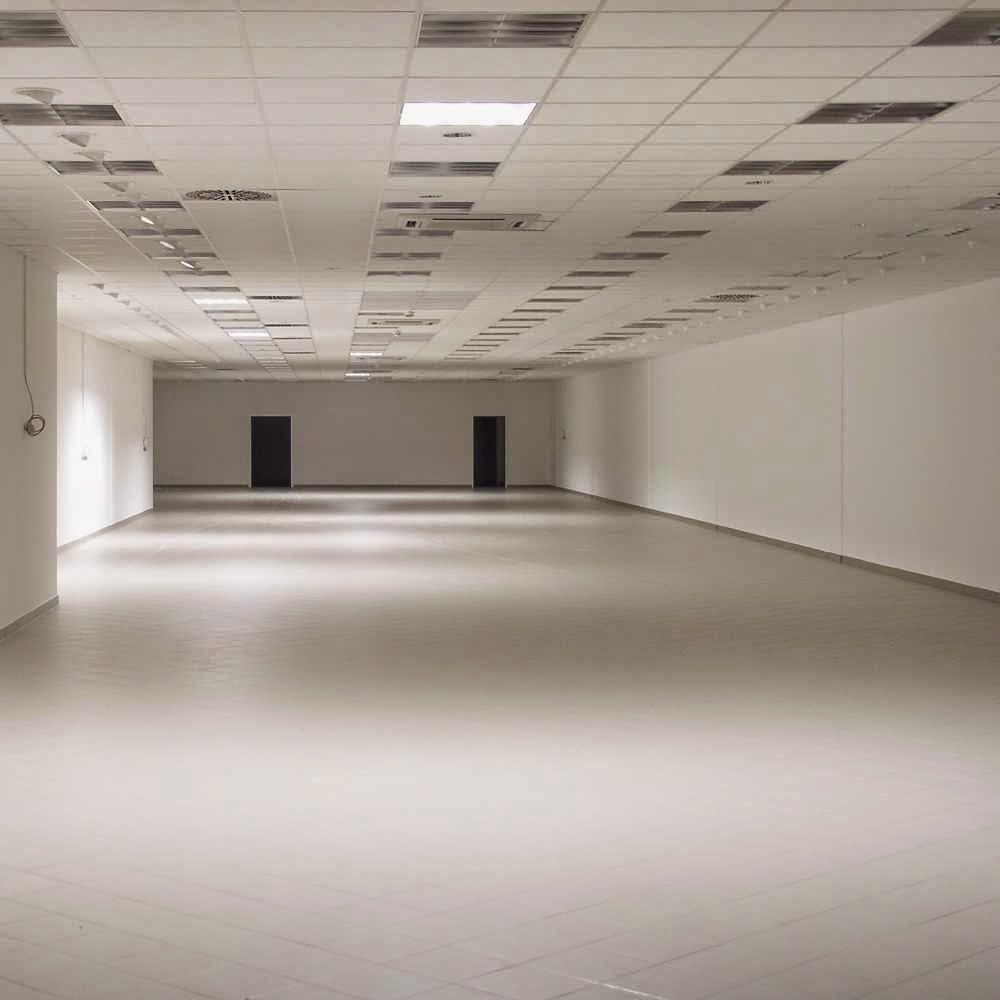 |
| Every file that heard iMovie's call is contained in this room. |
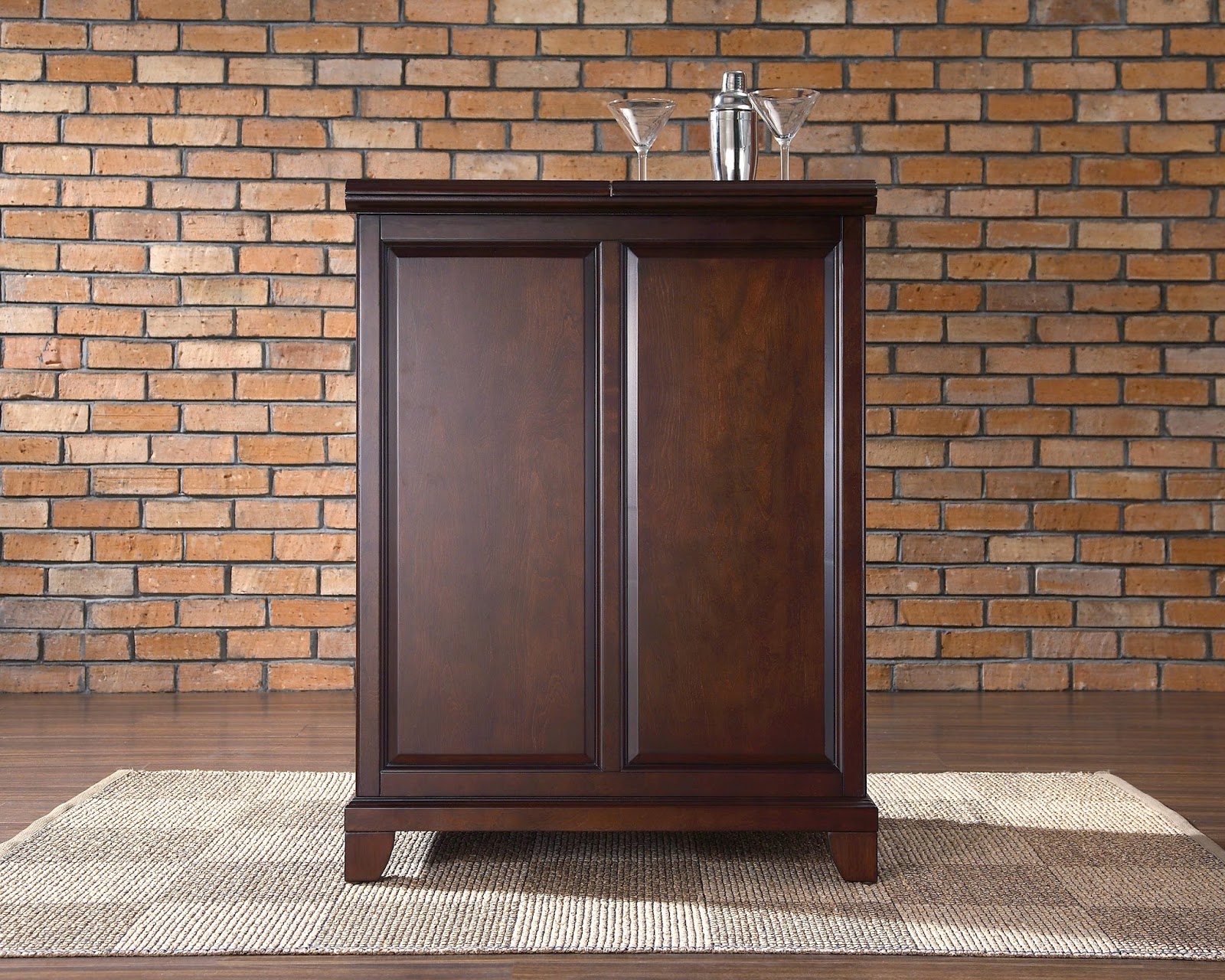 |
| Your iMovie analogies will never get to see the fine craftsmanship of this video file stand-in. |
 |
| What happens when you try too hard to please your friends. |
Wednesday, October 29
Digital Media for Sale
Hi Everyone,
Just a reminder for some of the newbies like me, don't forget that the center does have some digital media for sale. The other day someone asked if they were able to purchase a flash drive and I almost said no, but then remembered that we do have them available (even though they didn't purchase it after all lol). So don't forget, these are the items that are available for purchase along with the prices:
Happy Halloween Everyone!!
Just a reminder for some of the newbies like me, don't forget that the center does have some digital media for sale. The other day someone asked if they were able to purchase a flash drive and I almost said no, but then remembered that we do have them available (even though they didn't purchase it after all lol). So don't forget, these are the items that are available for purchase along with the prices:
- 16GB USB Flash drive $15.00
- Generic Mini DisplayPort to VGA adapter $10.00
- CD-R $1.00
- DVD-R $2.00
- DVD-R (Dual Layer) $5.00
- Blu-Ray R Disc $5.00
- Sony MiniDV tape $5.00
- Sony HD MiniDV tape $10.00
Happy Halloween Everyone!!
Monday, October 27
Printing services we provide!!!
Hello Everyone,
Lately, we have been getting a lot of people requesting to print transparencies. Why are we still using overhead projectors??? Anyways, these are all the printing services we provide here at the Student Multimedia Design Center.
B&W Transparency---- $.50
Color Transparency-----$1.50
B&W Photocopy--------$.20
Color Photocopy--------$1.20
Specialty Paper---------$.50
Lamination---------------$1.00
If you ever need to know the prices, just tap on the register and it pops up!
Saturday, October 25
Alternative Ways to Code Without Dreamweaver
Here at the SMDC, all the computers have Adobe's Dreamweaver installed. This is one of the most popular applications for creating HTML and CSS files since Dreamweaver offers features such as auto completion and allowing the user the view the website as it's coded, but many users may find these features unnecessary.
For a lightweight coding application, I prefer Notepad++. Notepad++ offers a simple interface similar to the Notepad application installed with Windows, but offers more features and the possibility to install plugins. I also like Notepad++ because it's both free and portable, meaning I can download Notepad++ as a .zip file, extract it to my flash drive, and take it with me anywhere I go. This is especially useful when I'm not able to use a PC with Dreamweaver. Notepad++ is constantly improving and comes packaged with instructions on how to make coding faster and easier through Notepad++.
Sublime Text is a similar application that is available to Windows, OS X, and Linux users. For useful shortcuts and ways to configure Sublime Text, you can take a look at the documentation available here. Happy coding!
For a lightweight coding application, I prefer Notepad++. Notepad++ offers a simple interface similar to the Notepad application installed with Windows, but offers more features and the possibility to install plugins. I also like Notepad++ because it's both free and portable, meaning I can download Notepad++ as a .zip file, extract it to my flash drive, and take it with me anywhere I go. This is especially useful when I'm not able to use a PC with Dreamweaver. Notepad++ is constantly improving and comes packaged with instructions on how to make coding faster and easier through Notepad++.
Sublime Text is a similar application that is available to Windows, OS X, and Linux users. For useful shortcuts and ways to configure Sublime Text, you can take a look at the documentation available here. Happy coding!
Spooky Scary Horror Movie Poster Evolutions
Vhy hello zere everyone, and velcome to my perfectly horrible post!
As zis is zee month of terror, I thought it only fitting to post about zis interesting blog entry I found entailing how horror movie posters have changed over zee years. It is a couple of years old mind you (five to be exact), but vat is age other zan a mechanism for beauty? You can still see zee vay zee introduction of new technology and vat really made something scary (not zee sparkles, never zee sparkles) changed zee format of zese posters. I did a little more digging trying to find one zat had a couple more recent posters, just to see if anyzing else significantly changed and came up with zis vebsite zat vent all zee vay up to 2011. Since a lot of us vere/are vorking frantically on our own posters I thought zese might help spark some creative juices as vell as get us all in zee mood for one of zee best holidays of zee year.
Anyvays, I hope you guys have a perfectly terrible month and a happy early Halloveen to all of you as vell~
(Please excuse the horrible accent, I never was good at them...)
As zis is zee month of terror, I thought it only fitting to post about zis interesting blog entry I found entailing how horror movie posters have changed over zee years. It is a couple of years old mind you (five to be exact), but vat is age other zan a mechanism for beauty? You can still see zee vay zee introduction of new technology and vat really made something scary (not zee sparkles, never zee sparkles) changed zee format of zese posters. I did a little more digging trying to find one zat had a couple more recent posters, just to see if anyzing else significantly changed and came up with zis vebsite zat vent all zee vay up to 2011. Since a lot of us vere/are vorking frantically on our own posters I thought zese might help spark some creative juices as vell as get us all in zee mood for one of zee best holidays of zee year.
Anyvays, I hope you guys have a perfectly terrible month and a happy early Halloveen to all of you as vell~
(Please excuse the horrible accent, I never was good at them...)
Thursday, October 23
New Dell Laptop Images!
Be aware that the Dell Latitude Laptops are getting re-imaged! What this means is that the laptops will now have Microsoft Office 2013 on them, including Publisher. Not all laptops have been re-imaged yet so please just check the paper that is located on the laptop rack to see which ones are available for check out.
So if patrons come in asking about our laptops, just remember that they now have Office 2013 on them!
So if patrons come in asking about our laptops, just remember that they now have Office 2013 on them!
Subscribe to:
Posts (Atom)